How to make car wash membership signup easier on your website
Show the plans side by side with the monthly price and its terms, ask for the location when it matters, and give every plan a join button that goes straight to its signup page. Then test it on a phone, and measure the clicks knowing a click is not yet a sale.
Joining a membership online takes a customer through several steps, and only some of them happen on your website. The rest happen on your membership provider's signup page. Each step is a place where someone can give up or end up in the wrong plan. This article walks through the path in order and says what your website controls at each step.
The path a customer takes
- Understand which plans you offer.
- Compare what each plan adds.
- See the recurring price and the terms that matter.
- Choose a location, if plans or signup differ by location.
- Reach the right signup page.
- Find help if something goes wrong.
Your website handles the first four and the way into the fifth. The provider's page handles payment. The sixth needs both.
Plans a customer can compare
Put the plans side by side, in the same order as at the pay station, with the same names. Under each, list what it adds over the plan below in a few words. Keep descriptions to the facts a customer compares: which washes are included, how many vehicles, and which locations.
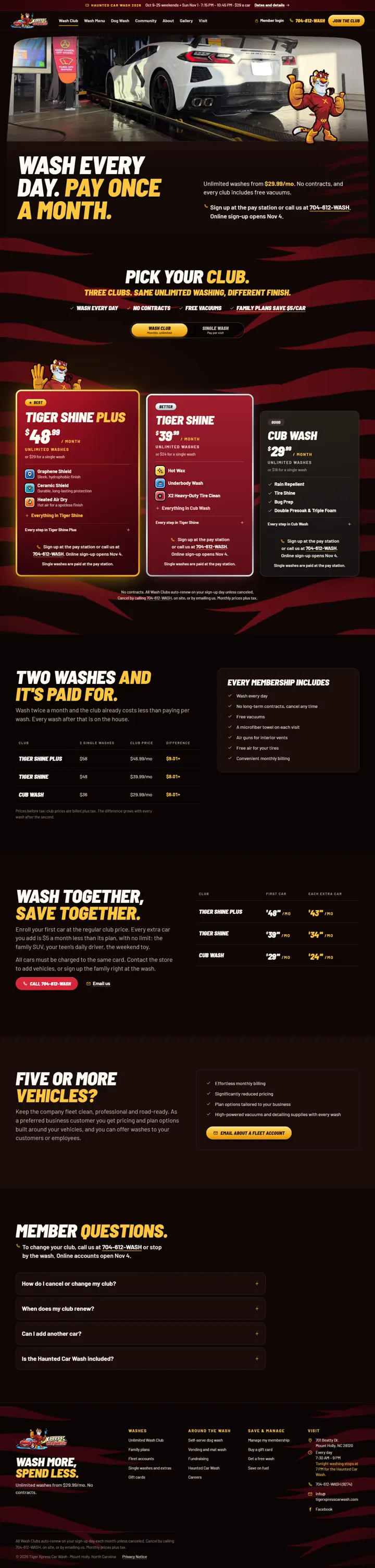
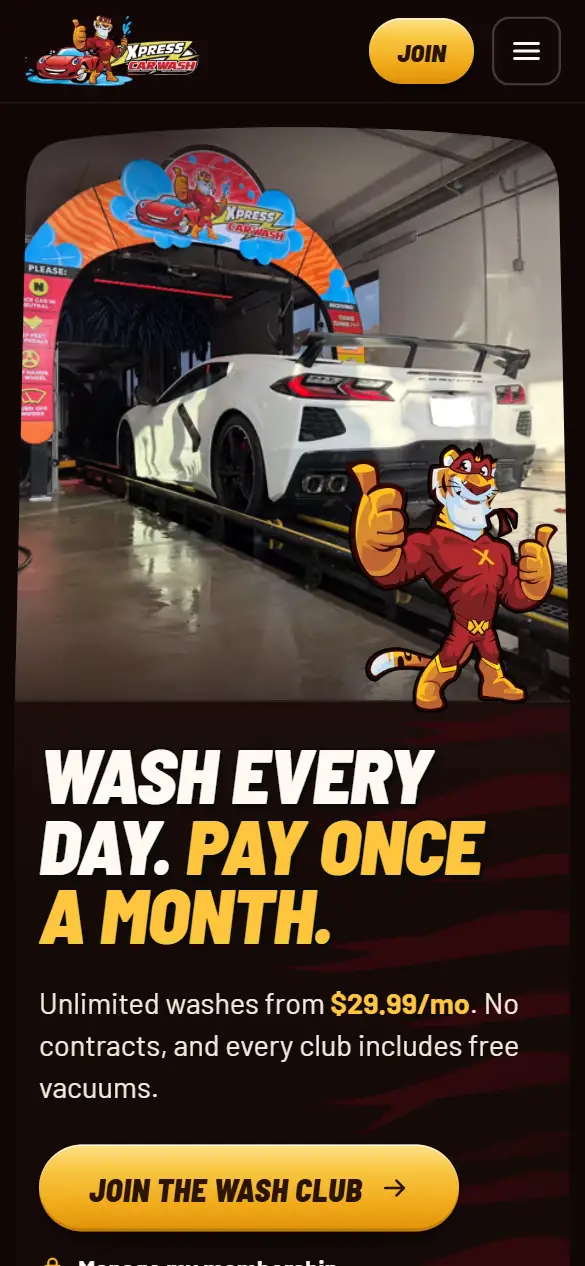
On the Tiger Xpress Carwash site, the Wash Club plans sit side by side under the wash's own plan names, each with its own join button.
The price and the terms, before the button
Next to each plan's price, say that it is charged every month, that it renews until the member cancels, and how to cancel. Put any first-month offer and the regular price together, so the customer sees both. If a plan covers one vehicle, say so.
This is more than good manners. A US federal law on online subscriptions requires the seller to clearly disclose all material terms before taking billing information, get the customer's express consent, and provide a simple way to stop the charges. Your provider's checkout usually handles the consent; your website should not say anything that contradicts it. State rules can add to this. This is not legal advice: ask your attorney and your provider what your signup has to show.
Choosing the location
If a membership works at every location, say so and skip this step. If plans, prices or signup pages differ by location, ask for the location before the join button, or give each location its own buttons, so nobody joins the wrong site's plan.
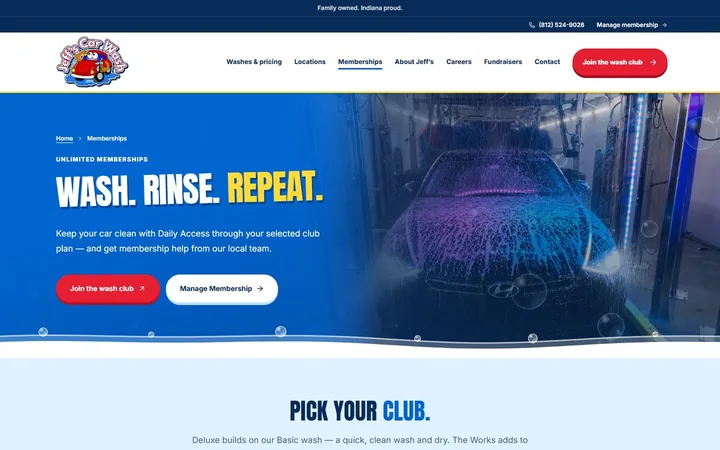
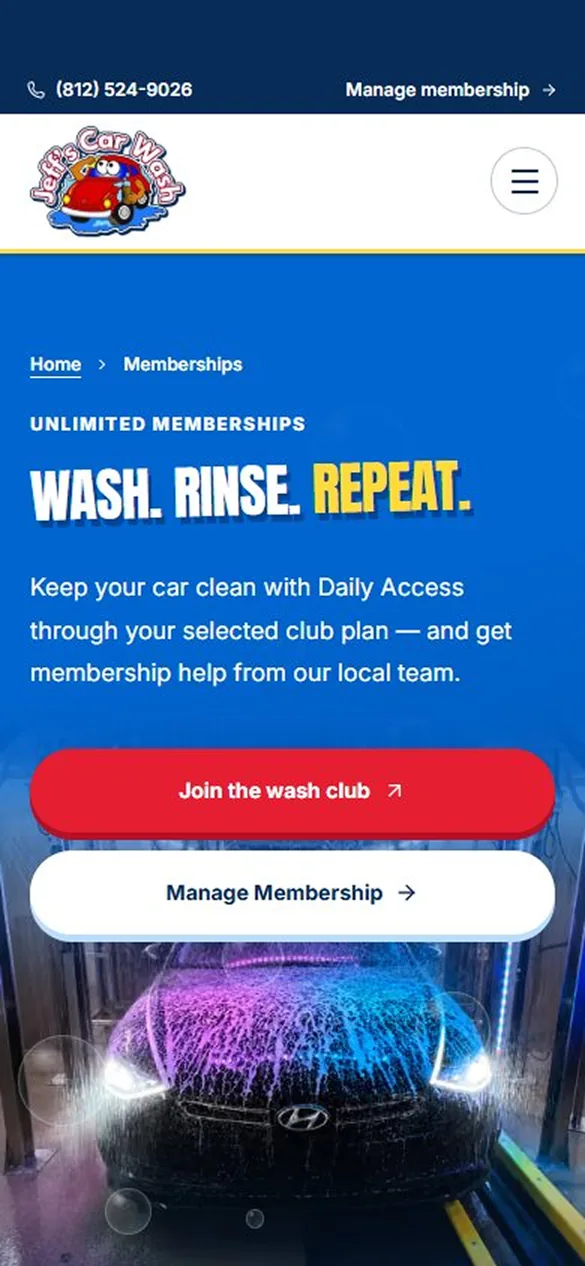
Jeff's Car Wash has more than one location, a Memberships page with the wash's own plan names, and join buttons that link to the wash's own checkout.
Buttons that say where they go
- Label each button with the plan and the action: “Join Unlimited Best”, not “Sign up” three times in a row.
- Send each button to the signup page for that plan, and that location when it matters, not to the provider's home page.
- Use the same plan names on the button, on your page and on the provider's page.
- Make the buttons large enough to tap, reachable with a keyboard, with a visible focus outline, and recognisable without relying on colour alone.
- Write button text that makes sense on its own, as the accessibility guidelines on link purpose ask, since screen reader users often move from link to link.
The handoff to your provider
When the join button takes the customer to another site, tell them before they tap: a short line such as “You'll finish joining on our secure membership page.” Then open that page on your own phone and go through it as a customer would, up to the payment step. Check that the plan names and prices match yours, that the page works on a small screen, and that there is a way back.
What that page can do, and whether it can be placed inside your site instead, depends on the provider. What a car wash website should include compares checkout links, embedded checkout and deeper integrations.
Keep the links working
Signup links break quietly. A provider changes an address, a plan is retired, a seasonal offer ends, and the button still sits on the page. Test every join button after any change to your plans or provider, and on a regular schedule otherwise. Do not point a join button at a page that only sells single washes, and do not leave an expired offer's button in place.
Help when something goes wrong
Near the plans, say where a member goes to update a card, change a plan or cancel, and give a phone number or email for everything else. A customer whose payment failed halfway through needs to reach a person; a page with no way to do that can lose that member.
Measuring signups: what a click can and cannot tell you
Record each click on a join button as an event, with the plan and the location as labels and nothing personal about the visitor. Over a month that tells you which plans people start with, which pages lead to them, and whether a button stopped being used after a change.
A click is not a membership. Some customers stop on the provider's page, some change their mind at payment, and some sign up later at the pay station. If the provider's page is on another domain, your website's analytics cannot see what happens there. Following a visitor across domains usually requires the same tracking on both sites, as cross-domain measurement documentation describes, and that is only possible if your provider allows it.
So treat join clicks as interest, and take completed signups from your provider's own reports. Comparing the two, month by month, shows roughly how many who start also finish. If the provider can send completed signups back to your analytics, ask how; if it cannot, the comparison is the honest measure.